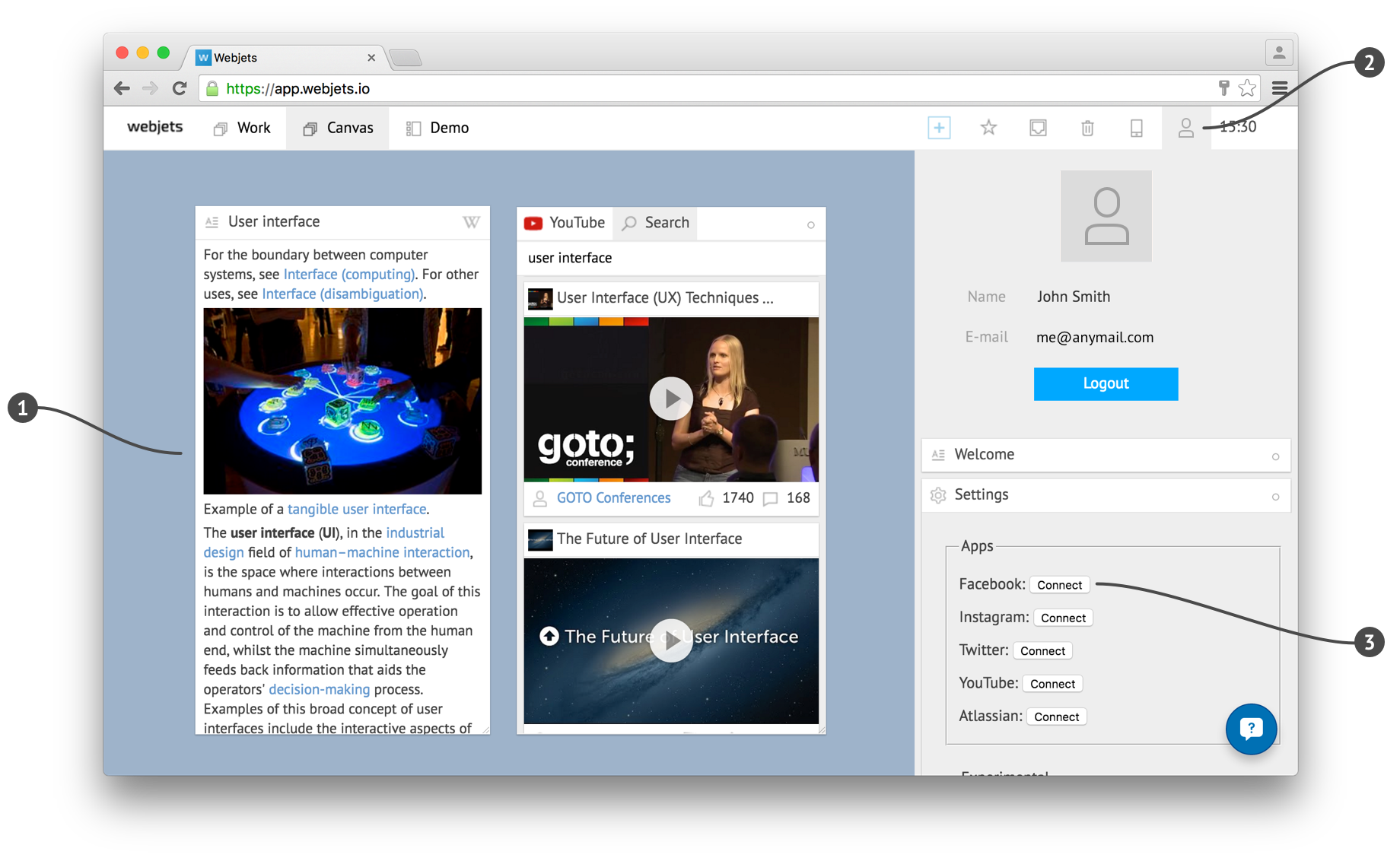
Just drag&drop or copy+paste any web links, and they become cards in Webjets.
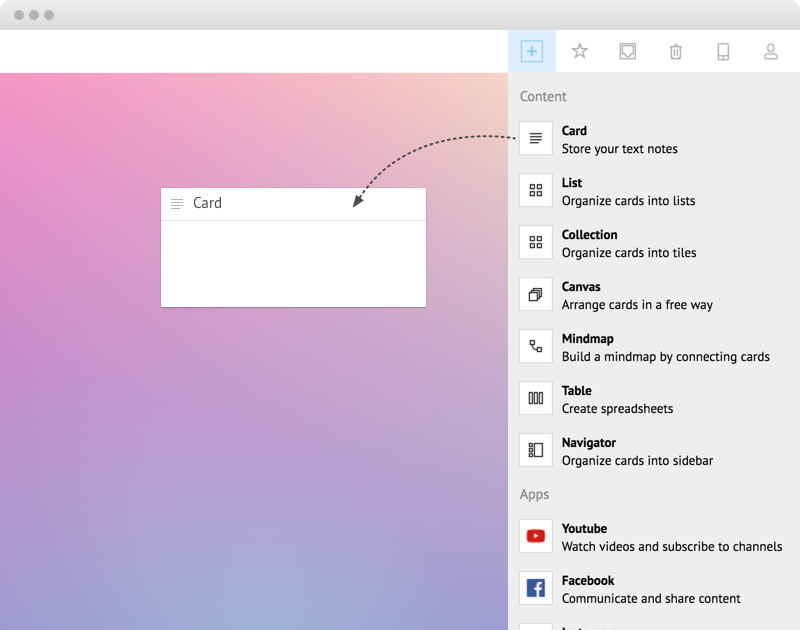
Or create empty cards using the Creator and write any ideas, tasks, goals, thoughts, or memories.
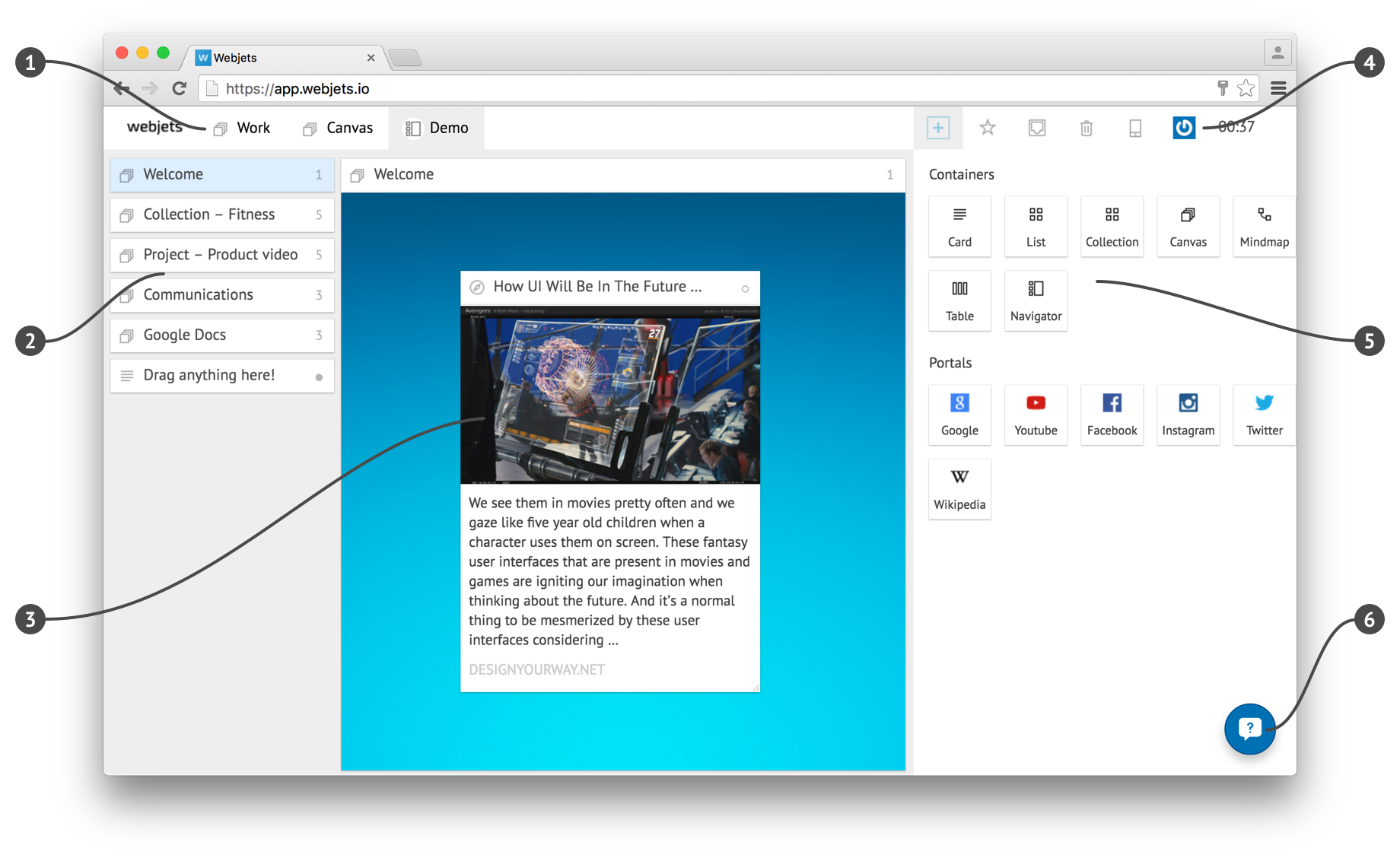
Create containers by dragging them from the Creator onto some canvas.
Put containers into other containers to organize flexible structures fitting your needs.
To share any container with a team-member:
1. Open container's menu and choose Share.
2. Provide the email of another Webjets user.
A new card appears in that user's Inbox.